Make a one-button game using pico8 #1
I have planned to continue making tutorial videos about making a game using pico8 and I think it will be easier if I write down content in the blog before using it to make the video with more detail. If you interesting you can follow my post to try to make this simple game.
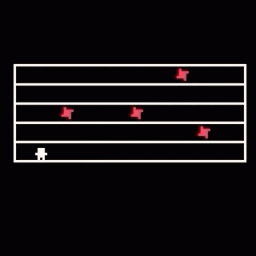
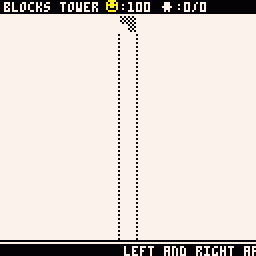
It will be a one-button game. The player’s character will run back and forth inside the tower that consists of multiple levels. The player can press a button to jump to avoid obstacles and do a double jump to go to an upper level.
This first post will focus on making a prototype with the player’s character run back and forth inside the tower.
Create block that player can run inside
The tower is a stack of blocks and the player ‘s character can run inside 1 block at a time. A block needs to have variables to define position and size. So, we should create functions for “create a block data” and “draw a block from data”
function create_block(x,y,w,h)
   return {x=x,y=y,w=w,h=h}
end
function draw_block(b,c)
   if (b == nil) return
   rect(b.x,b.y,b.x+b.w,b.y-b.h,c)
end
Player run back and forth inside a block
The player’s character needs to have variables for the position, running direction and the current block.
player = {x=64,y=64,di=1}
current_block = nil
After we declared variables, we need to create functions related to running inside a block. The first function for calculates the next player’s position and second function for checking that given position stay inside block area.
function player_running()
   local next_px = player.x + player.di
   if is_inside_block(player.x, player.y, current_block) == true and is_inside_block(next_px, player.y, current_block) == false then
      player.di = player.di * -1
      next_px = player.x + player.di
   end

   player.x = next_px
end
function is_inside_block(x,y,b)

   if (b == nil) return

   if x >= b.x and x < b.x + b.w then

      if y <= b.y and y > b.y - b.h then
          return true
      end
   end
   return false
end
Put everything together
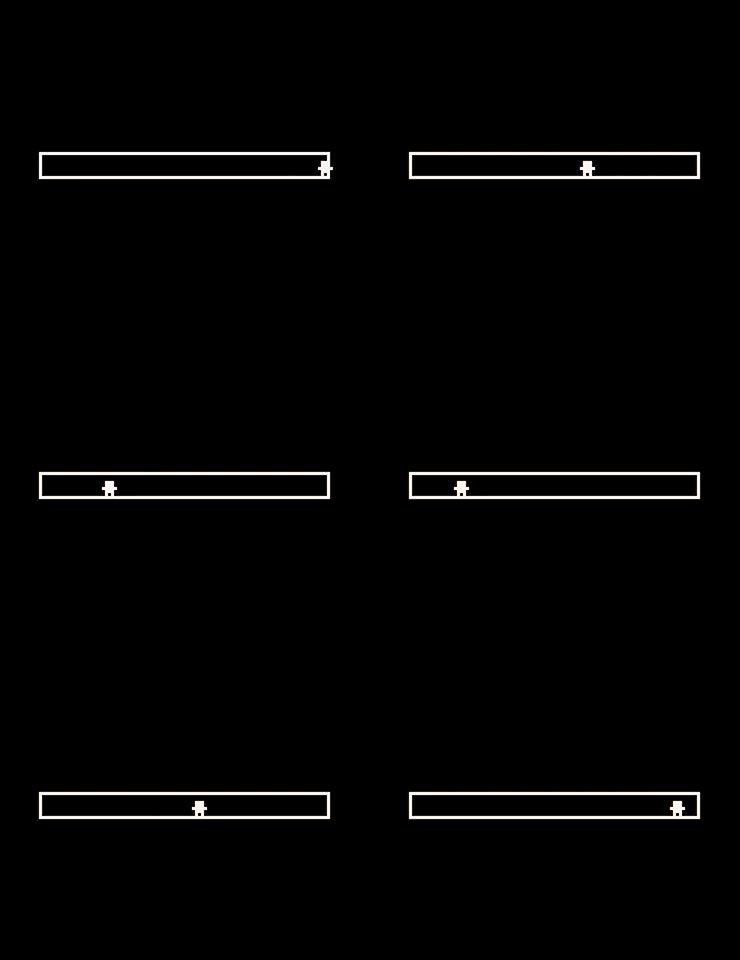
Now, we have prepared variables and functions that need for our first prototype. It’s time to put everything together inside _init(), _update60(), _draw() and we should have the player’s character run back and forth in the block.
function _init()
   current_block = create_block(16,64,96,8)
end

function _update60()
   player_running()
end

function _draw()
   cls(0)
   print("웃", player.x-3, player.y - 5, 7)
   draw_block(current_block, 7)
end
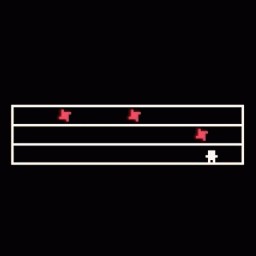
Result
Source code
player = {x=64,y=64,di=1}
current_block = nil

function create_block(x,y,w,h)
   return {x=x,y=y,w=w,h=h}
end

function draw_block(b,c)
   if (b == nil) return
   rect(b.x,b.y,b.x+b.w,b.y-b.h,c)
end

function player_running()
   local next_px = player.x + player.di

   if is_inside_block(player.x, player.y, current_block) == true and is_inside_block(next_px, player.y, current_block) == false then

      player.di = player.di * -1
      next_px = player.x + player.di
   end
   player.x = next_px
end

function is_inside_block(x,y,b)
   if (b == nil) return

   if x >= b.x and x < b.x + b.w then
      if y <= b.y and y > b.y - b.h then
          return true
      end
   end

   return false
end

function _init()
   current_block = create_block(16,64,96,8)
end

function _update60()
   player_running()
end

function _draw()
   cls(0)
   print("웃", player.x-3, player.y - 5, 7)
   draw_block(current_block, 7)
end