MAKE A ONE-BUTTON GAME USING PICO8 #2 - JUMPING
From the previous post, we have the player’s character move in horizontal. The next step will be moving in vertical. It will include the player’s character jumping, gravity, and fall after jumping off the block.
ADD MORE VARIABLES
For check jumping and falling. It requires 2 more variables.
– “jump_counter”, It uses to count how long the player’s character will keep going up. Equal or less than 0 means the player’s character will falling follow gravity.
– “ground“, It uses to tell the current status that the player’s character standing on the ground.
We will add these 2 variables into the player variable.
player = {x=64,y=64,di=1,jump_counter=0,ground=true}
ADD FUNCTION FOR JUMPING
We add a new function called “player_jumping()“. This function will handle when the player presses the “jump” button. If the player character’s stay on the ground. It will set the value to variables to make player jumping.
if btnp(4) then
   if player.jump_counter == 0 and player.ground == true then
      player.jump_counter = 20
      player.ground = false
   end
end
After the part for check the pressing button and assigned the value to variables. The function will use those variables to decide that the player’s character should be going up or not.
local next_py = player.y
if player.jump_counter > 0 then
   player.jump_counter -= 1

   if player.jump_counter > 10 then
      next_py = player.y - 1
   else
      next_py = player.y
   end
end
player.y = next_py
ADD FUNCTION FOR APPLY GRAVITY
We will create a new function called “player_apply_gravity()”. It will use for makes the player’s character falling when It does not stand on the ground.
function player_apply_gravity()
   local next_py = player.y
   if player.ground == false then
      if player.jump_counter <= 0 then
         next_py += 1
         if is_inside_block(player.x, player.y, current_block) == true and is_inside_block(player.x, next_py, current_block) == false then
            next_py = player.y
            player.ground = true
         end
      end
   end
   player.y = next_py
end
PUT EVERYTHING TOGETHER
After created 2 new functions. we need to put them in the "_update60()" function to make them working.

function _update60()
   player_running()
   player_jumping()
   player_apply_gravity()
end
RESULT
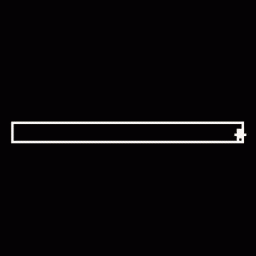
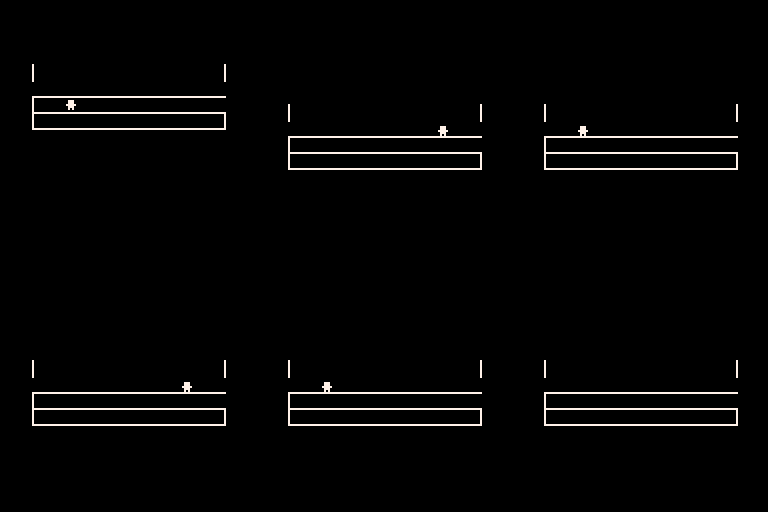
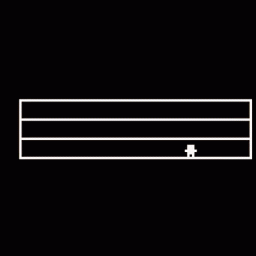
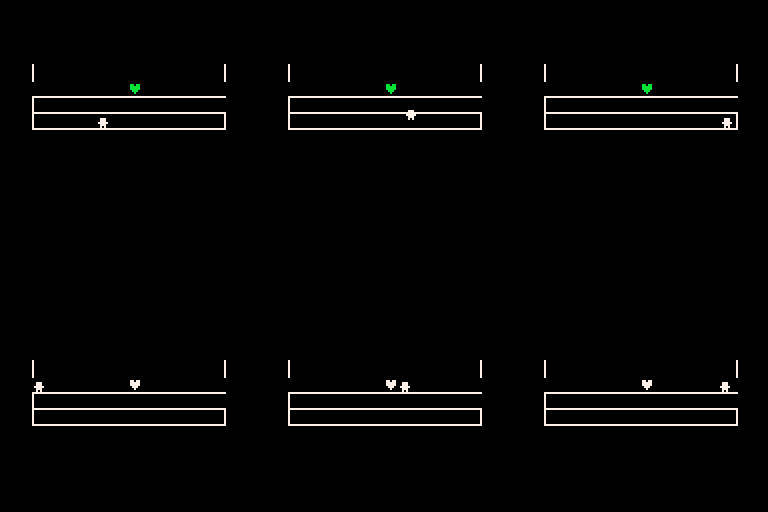
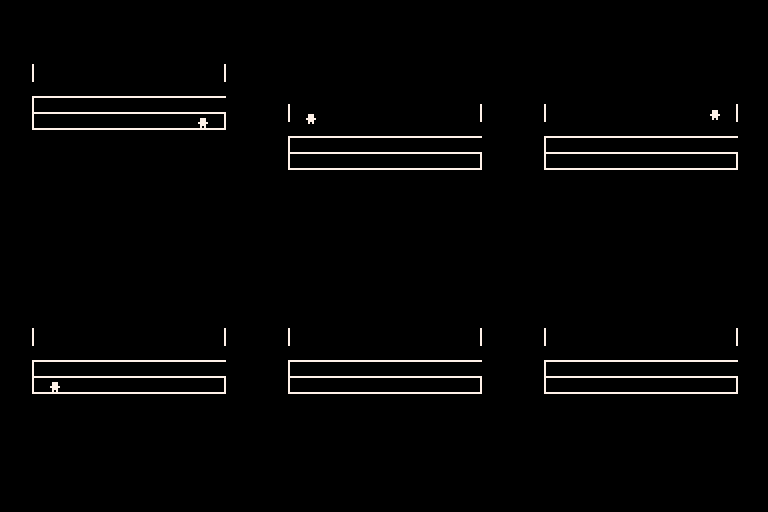
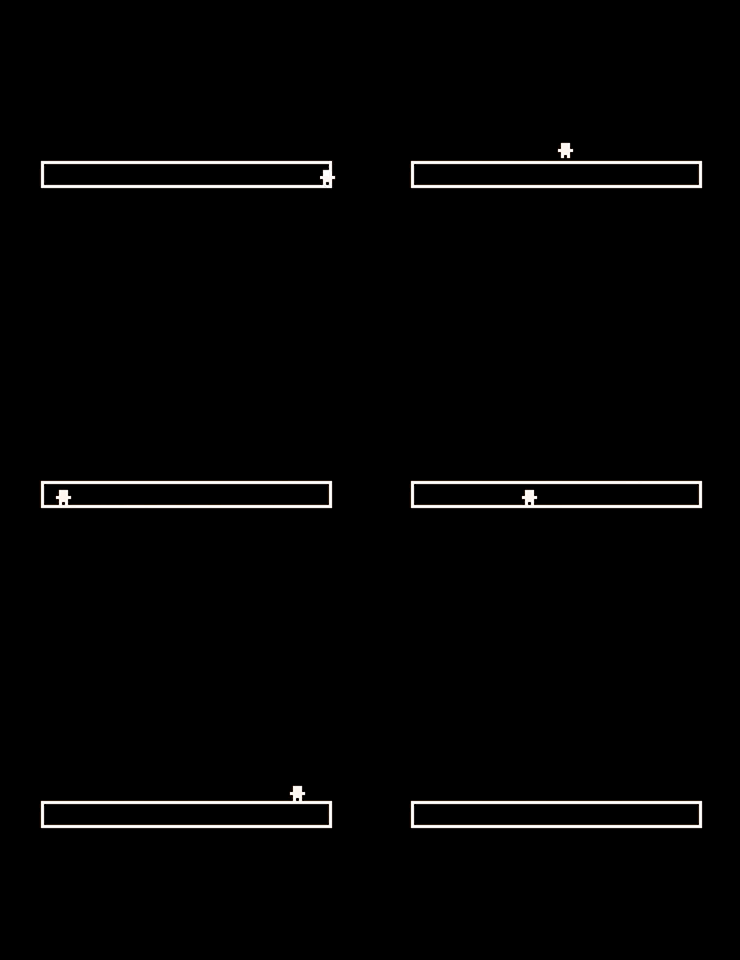
Press “z” button will make the player’s character jump and It can jump over the block’s wall and falling outside the block.
SOURCE CODE
player = {x=64,y=64,di=1,jump_counter=0,ground=true}
current_block = nil
function create_block(x,y,w,h)
   return {x=x,y=y,w=w,h=h}
end

function draw_block(b,c)
   if (b == nil) return
   rect(b.x,b.y,b.x+b.w,b.y-b.h,c)
end

function is_inside_block(x,y,b)
   if (b == nil) return

   if x >= b.x and x < b.x + b.w then
      if y <= b.y and y > b.y - b.h then
          return true
      end
   end

   return false
end

function player_running()
   local next_px = player.x + player.di
   if is_inside_block(player.x, player.y, current_block) == true and is_inside_block(next_px, player.y, current_block) == false then

      player.di = player.di * -1
      next_px = player.x + player.di
   end
   player.x = next_px
end

function player_jumping()

   if btnp(4) then
      if player.jump_counter == 0 and player.ground == true then

         player.jump_counter = 20
         player.ground = false
      end
   end
   local next_py = player.y
   if player.jump_counter > 0 then

      player.jump_counter -= 1
      if player.jump_counter > 10 then

         next_py = player.y - 1
      else

         next_py = player.y
      end
   end

   player.y = next_py
end

function player_apply_gravity()
   local next_py = player.y
   if player.ground == false then
      if player.jump_counter <= 0 then

         next_py += 1
         if  is_inside_block(player.x, player.y, current_block) == true and is_inside_block(player.x, next_py, current_block) == false then

            next_py = player.y
            player.ground = true
         end
      end
   end
   player.y = next_py
end

function _init()
 current_block = create_block(16,64,96,8)
end

function _update60()
   player_running()
   player_jumping()
   player_apply_gravity()
end

function _draw()
   cls(0)
   print("웃", player.x-3, player.y - 5, 7)
   draw_block(current_block, 7)
end